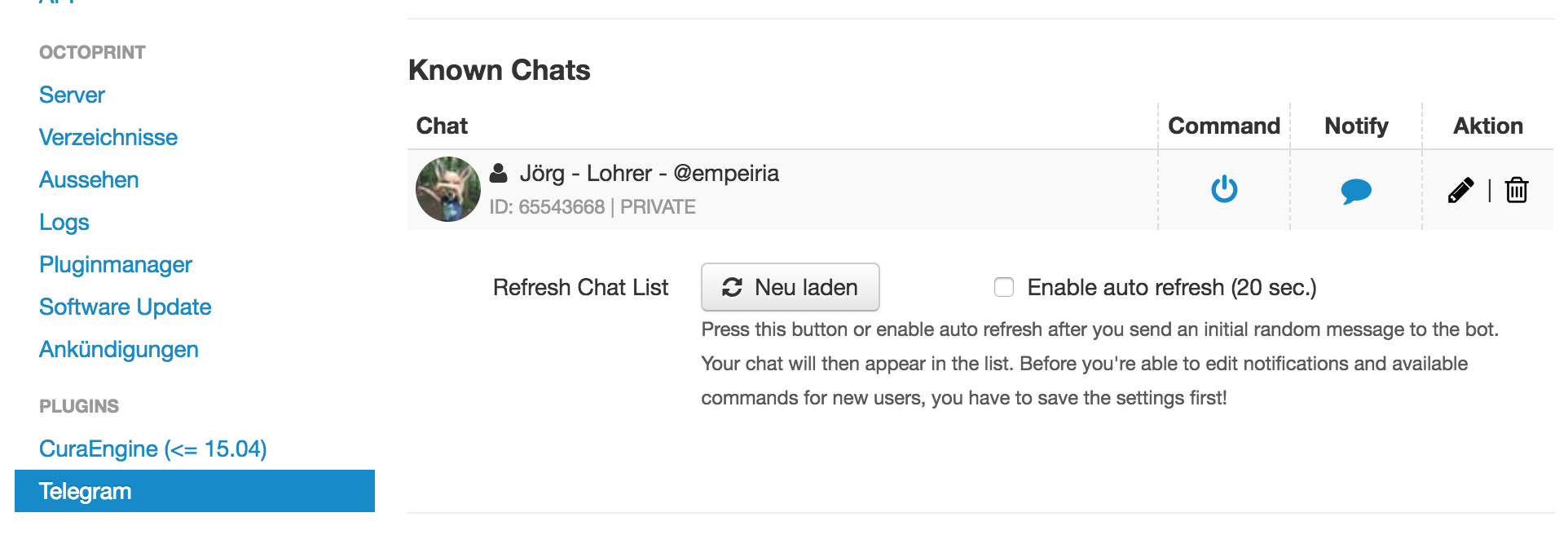
1.9 KiB
1.9 KiB
| layout | title | description | image | cover | tags | date | author | slug | lang | dir | images | ||||||||||||||||||||||||||||||||||||||||||||||||||||||||
|---|---|---|---|---|---|---|---|---|---|---|---|---|---|---|---|---|---|---|---|---|---|---|---|---|---|---|---|---|---|---|---|---|---|---|---|---|---|---|---|---|---|---|---|---|---|---|---|---|---|---|---|---|---|---|---|---|---|---|---|---|---|---|---|---|---|---|---|
| post | Telegram Bot für Octopi | Schnittstelle zwischen Telegram und OctoPrint | octopi1.png |
|
|
2017-10-23 | Jörg Lohrer | telegram-octopi | de | ltr |
|
Das OctoPrint-Telegram-Plugin schafft eine Schnittstelle zwischen Telegram und OctoPrint. Hier die Anleitung auf Englisch: https://github.com/fabianonline/OctoPrint-Telegram/blob/stable/README.md
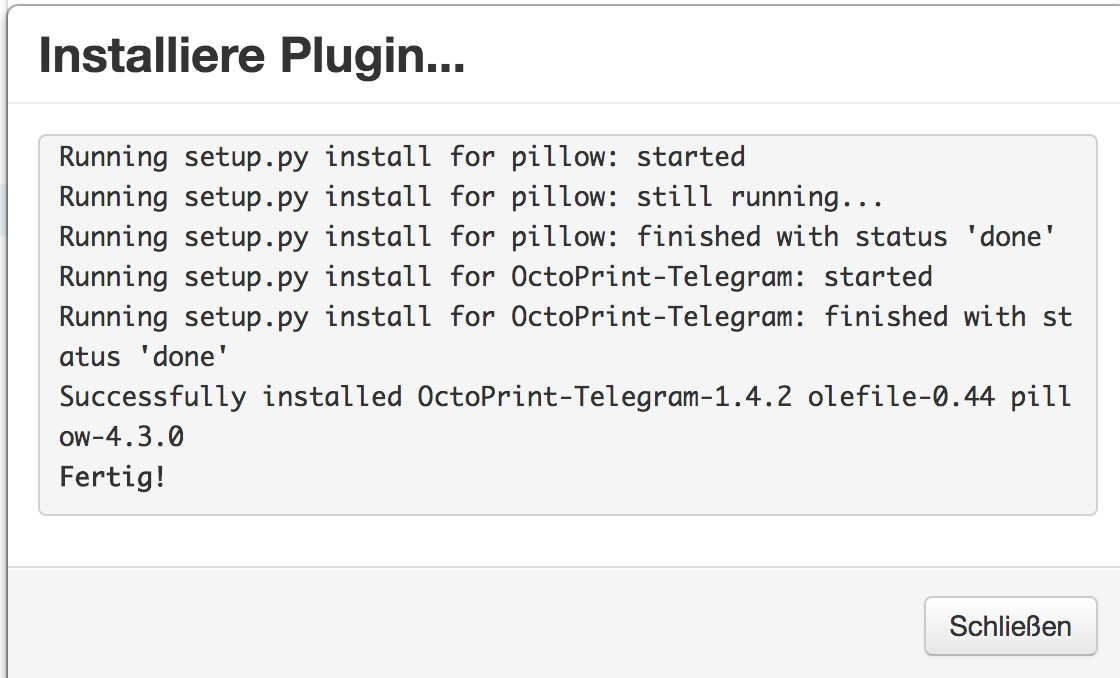
Das dauert eine Weile:
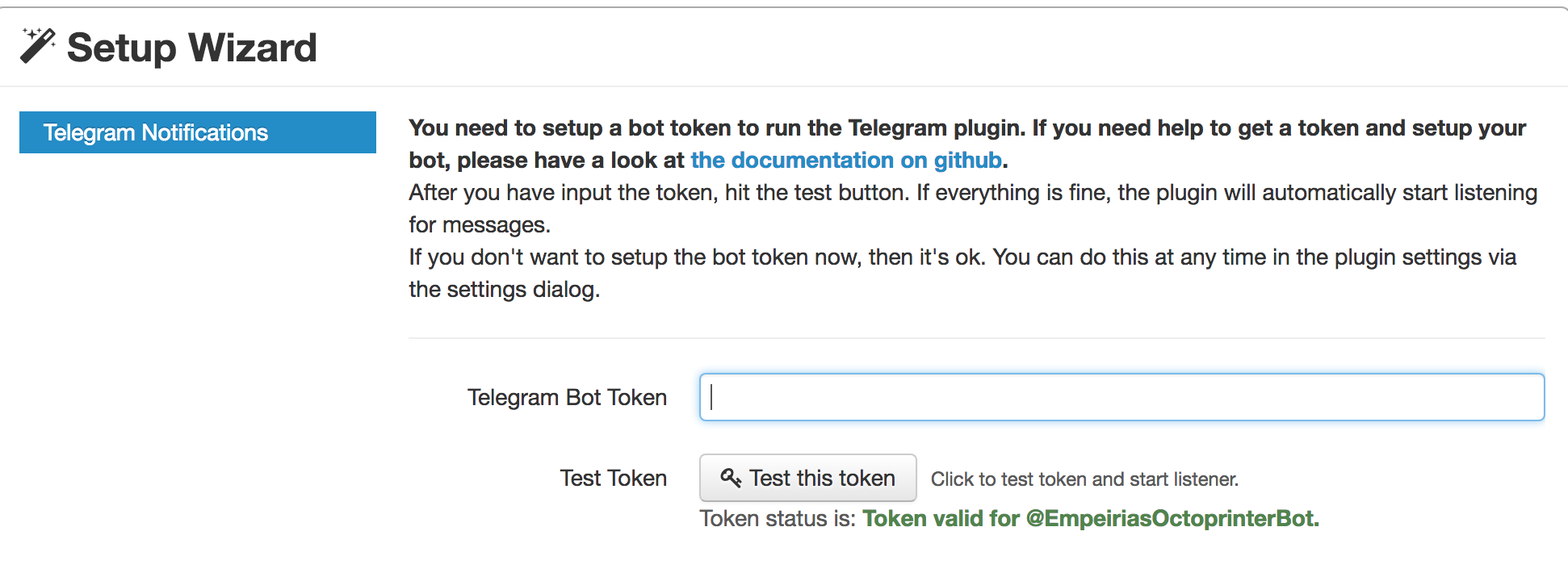
Token eingeben:
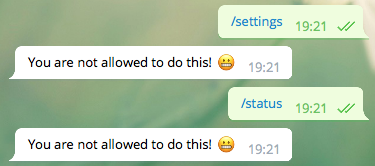
Heisst aber nicht, dass jetzt alles gleich klappt:
Es müssen dem Benutzer noch die Rechte “Command” und “Notify” gegeben werden: